Authentic Simulations
Experience film stocks like Vivid, Standard, and Khrome. Our color science meticulously recreates the look and feel of classic analog film.
 Nōma
Nōma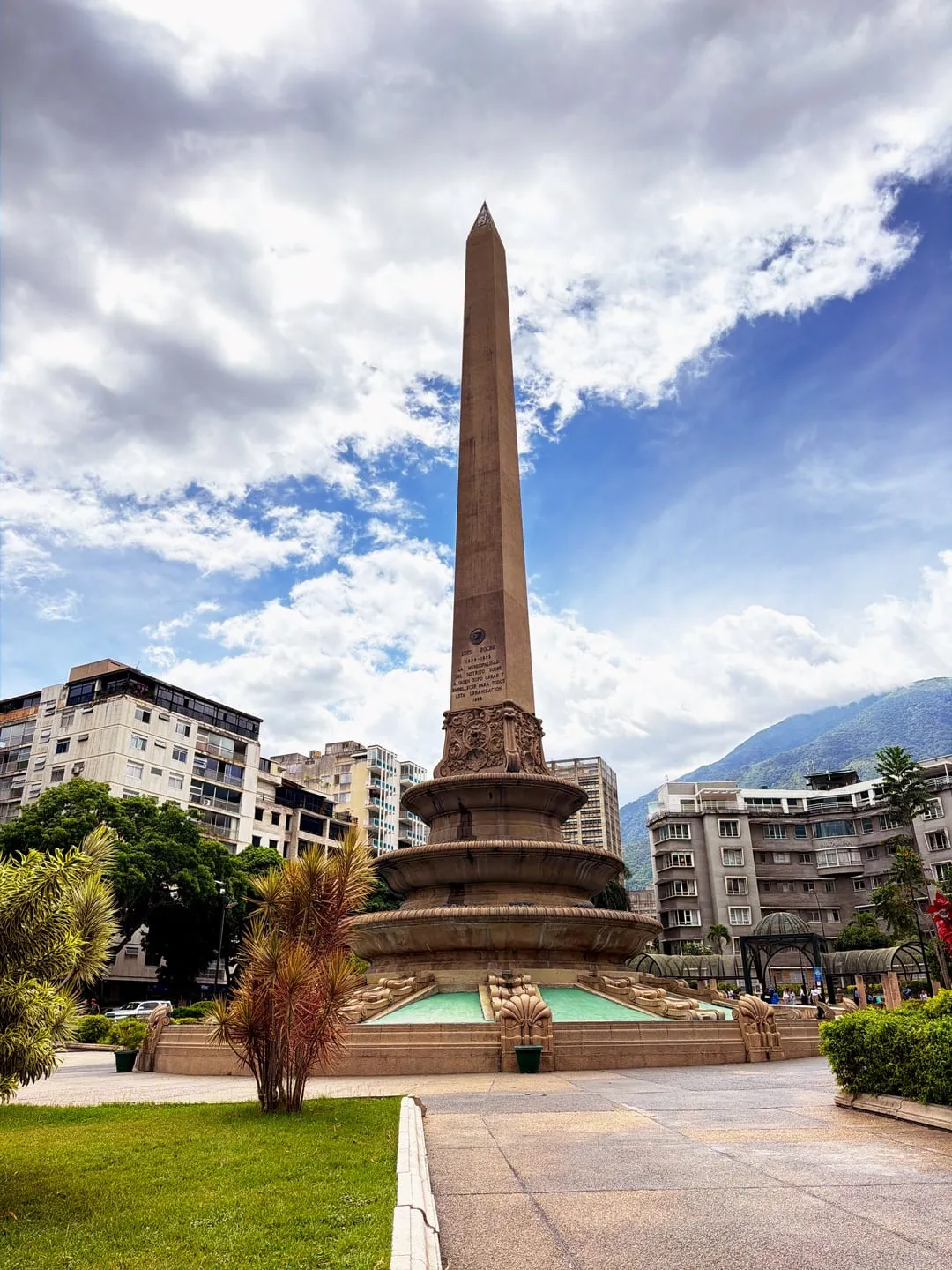
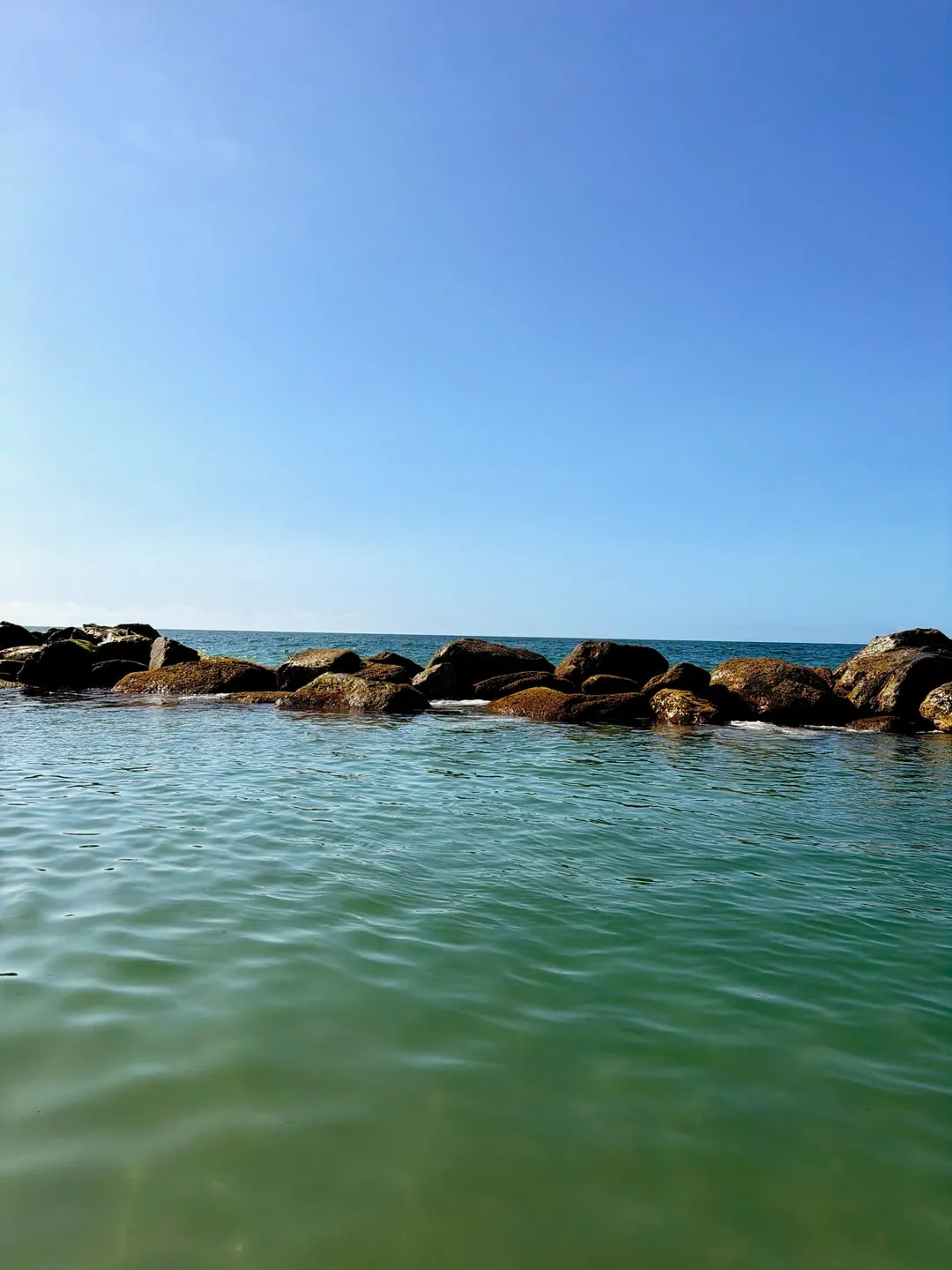
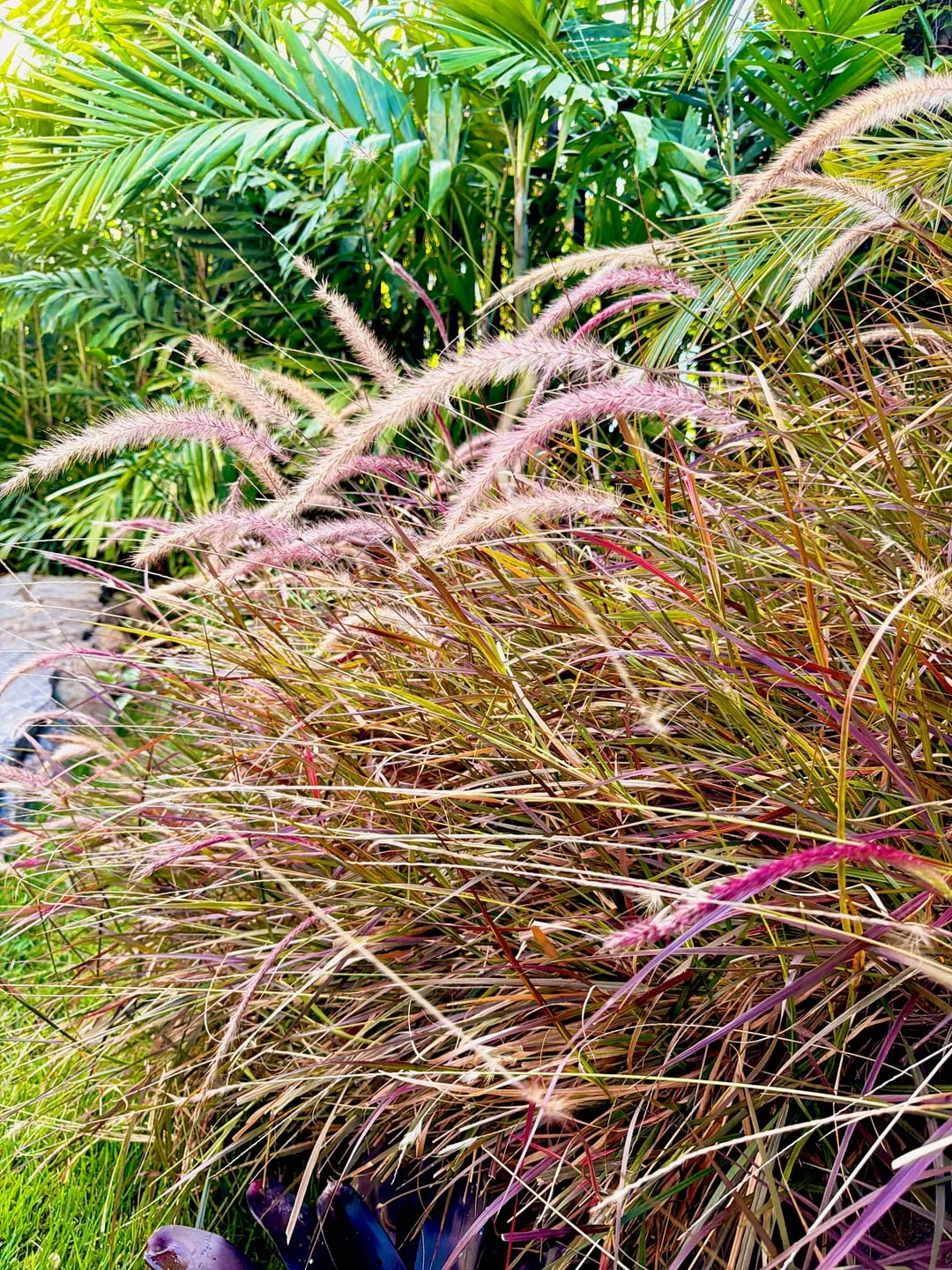
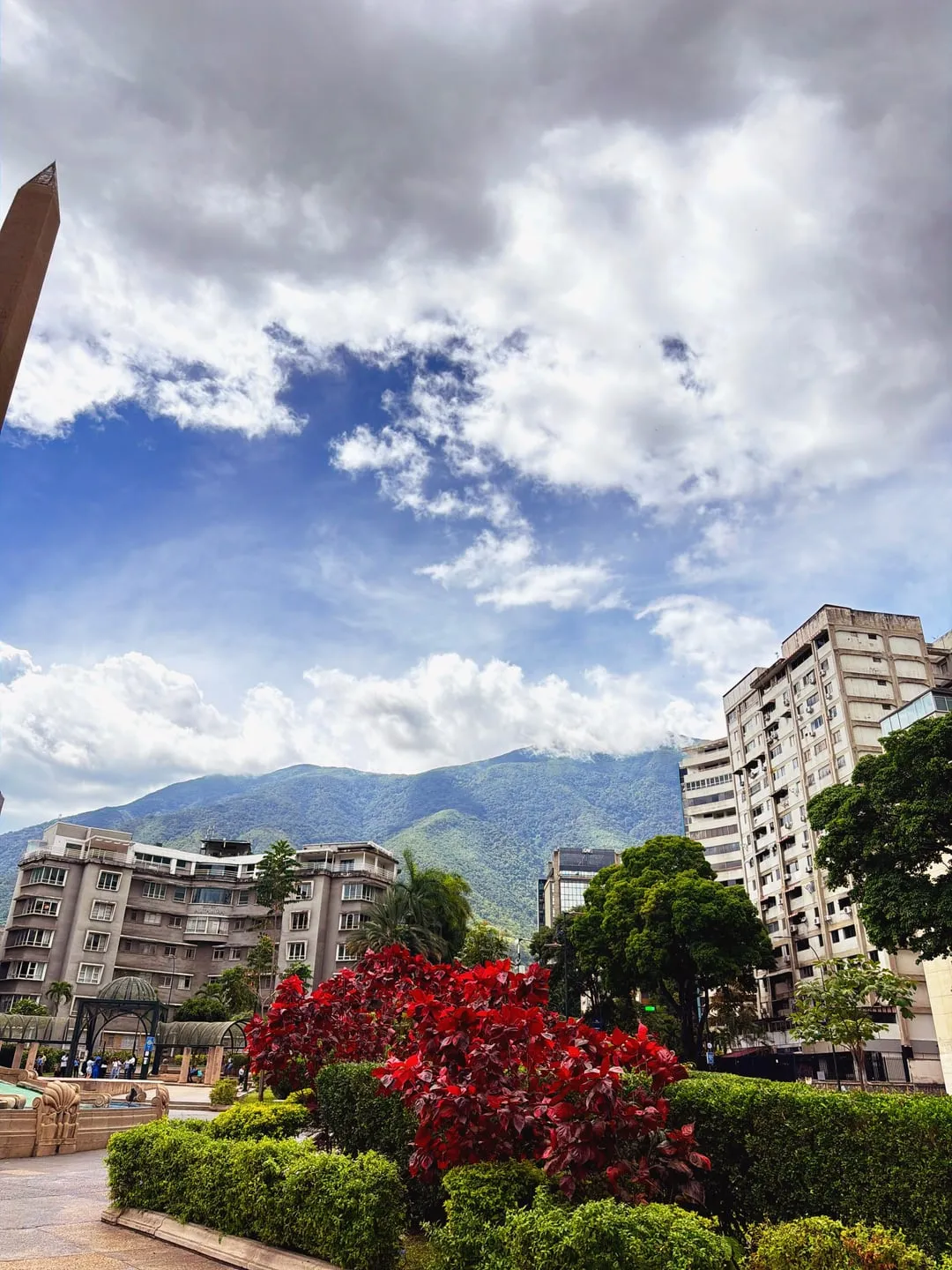
Shoot digital. Feel film.
See the exact film simulation applied live in your viewfinder. No post-processing required.
Dial in your exposure and focus manually, just like a mechanical camera.
Experience film stocks like Vivid, Standard, and Khrome. Our color science meticulously recreates the look and feel of classic analog film.
Intuitive manual focus and exposure dials. Designed to feel like a real mechanical camera.
A minimalist viewfinder that lets you focus entirely on your composition. No menus, no AI processing.
Try every recipe free for 7 days. Then $8.99 a year, or $24.99 once to keep it forever.
Download on the App Store12 film recipes
Every recipe renders live in the viewfinder, so what you see is exactly what you save.
Warm film color with deep blacks and punchy midtones — for golden light, streets and travel.
Bold, saturated color with crushed blacks and bright highlights — for landscapes and sunsets.
Clean, neutral color with natural midtones — an everyday look that stays true to the scene.
Faithful color with a subtle warmth that keeps skin tones flattering — for people and portraits.
Gentle contrast, softened color and light grain — for portraits and quiet, airy scenes.
Flat, muted color with deep blacks and soft highlights — a moody, movie-like look.
Color-negative character: warm amber highlights, cool shadows and punchy midtones.
A nostalgic print look with lifted shadows, faded color and light grain.
Bleach-bypass style: metallic, heavily desaturated and high-contrast with a cool tone.
Classic black and white with a clean conversion — for timeless street and architecture shots.
Dramatic black and white: higher contrast than Mono, true blacks and fine grain.
Warm brown-toned monochrome with light grain — a vintage, old-photograph feel.
Alternatives
Looking for an alternative to mood.camera or Dazz Cam? Here's the honest difference.
Like Nōma, it bakes a film look into the photo so there is nothing to edit afterwards, and it offers a 7-day free trial.
Like Nōma, it applies the look at capture so you don't need to post-edit.
Details for other apps are taken from their App Store listings (October 2026).
Specs
FAQ
Open Nōma, pick one of its 12 film recipes and shoot. The recipe is applied live in the viewfinder, so you see the final look before you press the shutter and the photo is saved with the film colors already applied — no editing or post-processing needed.
No. Photos taken with Nōma are stored only on your device. The app has no account, no cloud storage and no user database, and it never uploads or transmits your photos. They leave your iPhone only if you choose to share them.
Nōma starts with a 7-day free trial with full access to every feature. After that, Premium is $8.99 per year (USD), or you can unlock it forever with a one-time $24.99 lifetime purchase. Payments are handled by Apple through the App Store.
12 recipes: Khrome, Vivid, Standard, Natural, Soft, Cinema, Negative, Retro, Bleach, Mono, Noir and Sepia. They range from warm and saturated color to clean neutral tones, cinematic and print looks, and three monochrome styles.
No. Each recipe is a fixed color and tone pipeline (contrast, saturation, tone curve, grain) applied in real time. There is no AI processing and nothing is generated or retouched.
Nōma requires iOS 18.0 or later, so it runs on every iPhone that supports iOS 18 — iPhone XS, XS Max, XR and newer, including iPhone 13, plus iPhone SE (2nd generation and later). It also runs on iPad with iPadOS 18.
No. Nōma is a photo-only camera that saves high-quality JPEGs with the film recipe already applied. It does not record video and does not capture RAW or ProRAW files.
Subscriptions are managed by Apple: go to Settings → [Your Name] → Subscriptions on your iPhone. Cancel at least 24 hours before the renewal date; you keep access until the current period ends.